M2 Film: Metadata Editor for Film Photographers
Why
Film scans often come back from the lab with random or completely missing metadata. The timestamp might say 1970, the location is nowhere, and there's no record of what camera or film stock I used. This makes it way harder than it should be to organize my photos chronologically, search by location, or track patterns in my shooting.
Digital cameras handle all of this automatically. Every shot gets a timestamp, GPS coordinates (sometimes), and camera settings baked into the file. Film photographers lose that convenience. Usually that's fine, that's part of the charm of shooting analog, but when it comes to basic storage and organization of digital scans, you're left manually sorting through hundreds of photos trying to remember when and where each roll was shot.
The primary goal of this app is to enable easy bulk edits of photo scan metadata to make organization and tracking easier. The secondary goal is to play with design and make somethign a little different than another "modern minimal" UI. I might even experiment with sharp corners on my buttons (gross).
The Solution
M2 Film is a free macOS desktop app for bulk editing EXIF metadata on scanned film photos.
I went with a local desktop app instead of a web tool for a few reasons.
- Privacy - No security or trust issues
- Simplicity - A local app means no uploading, no accounts, no cloud dependencies.
- Offline Access - Feel free to edit on a plane or in a coffee shop with sketchy wifi.
Plus I could use ExifTool under the hood, which I'm told is the gold standard for metadata operations.
The workflow is pretty simple: upload or drag and drop photos select the ones you want to edit, fill in whatever metadata fields you need, and click write changes. It handles batch editing so you can process entire rolls at once.
Supported Metadata Fields:
- Timestamps
- GPS coordinates via location search
- Tags for film stock, camera info, and event names
Automatic backups are on by default because metadata writes are destructive and I didn't want anyone losing their originals.
How It Works
I set up a website with a download link and set up instructions at m2-film-site.vercel.app, or you can grab it directly from the GitHub release. Fair warning: macOS will block the app from opening at first because I'm a bum and don't have a $99 Apple Developer account to code-sign it properly. The download page has a Terminal command to remove the quarantine flag. The app is fully open source so you can inspect every line if you're worried about security. Once it's installed, the workflow is straightforward.
Note: All photos need to be from the same folder because that's where the automatic backups get saved.
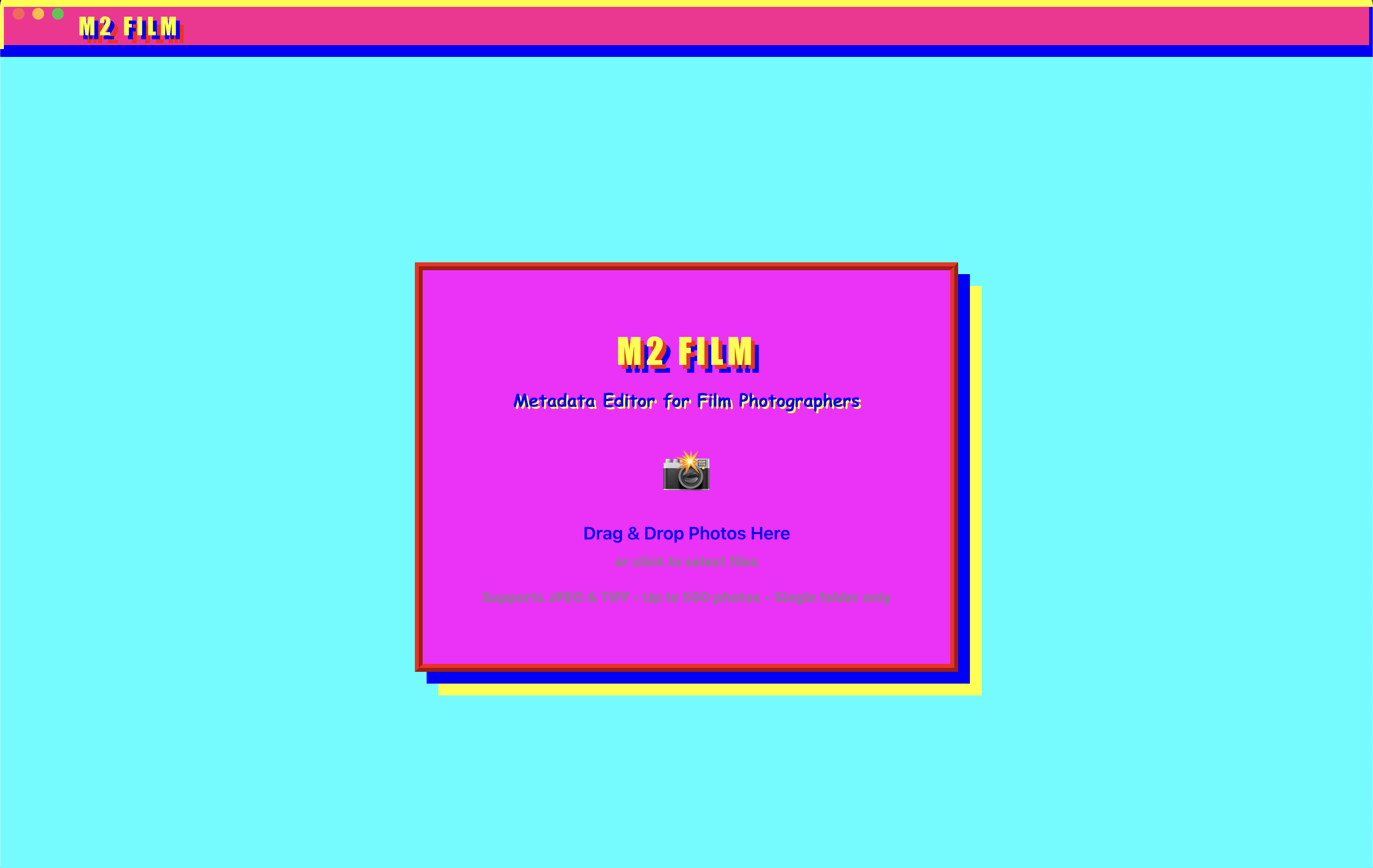
- Select the photos you want to edit using click or shift-click for ranges.
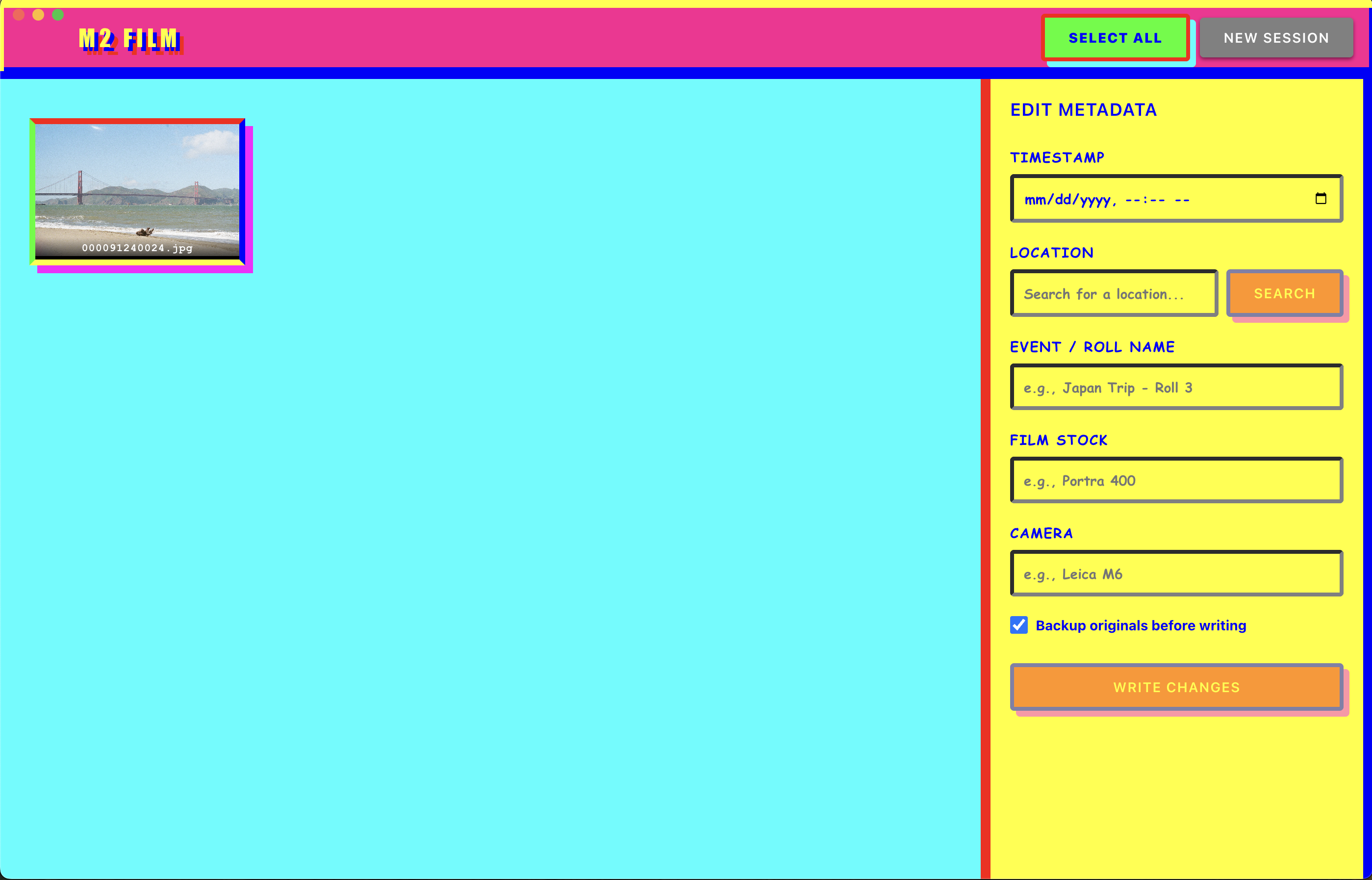
- Fill in whatever metadata you want
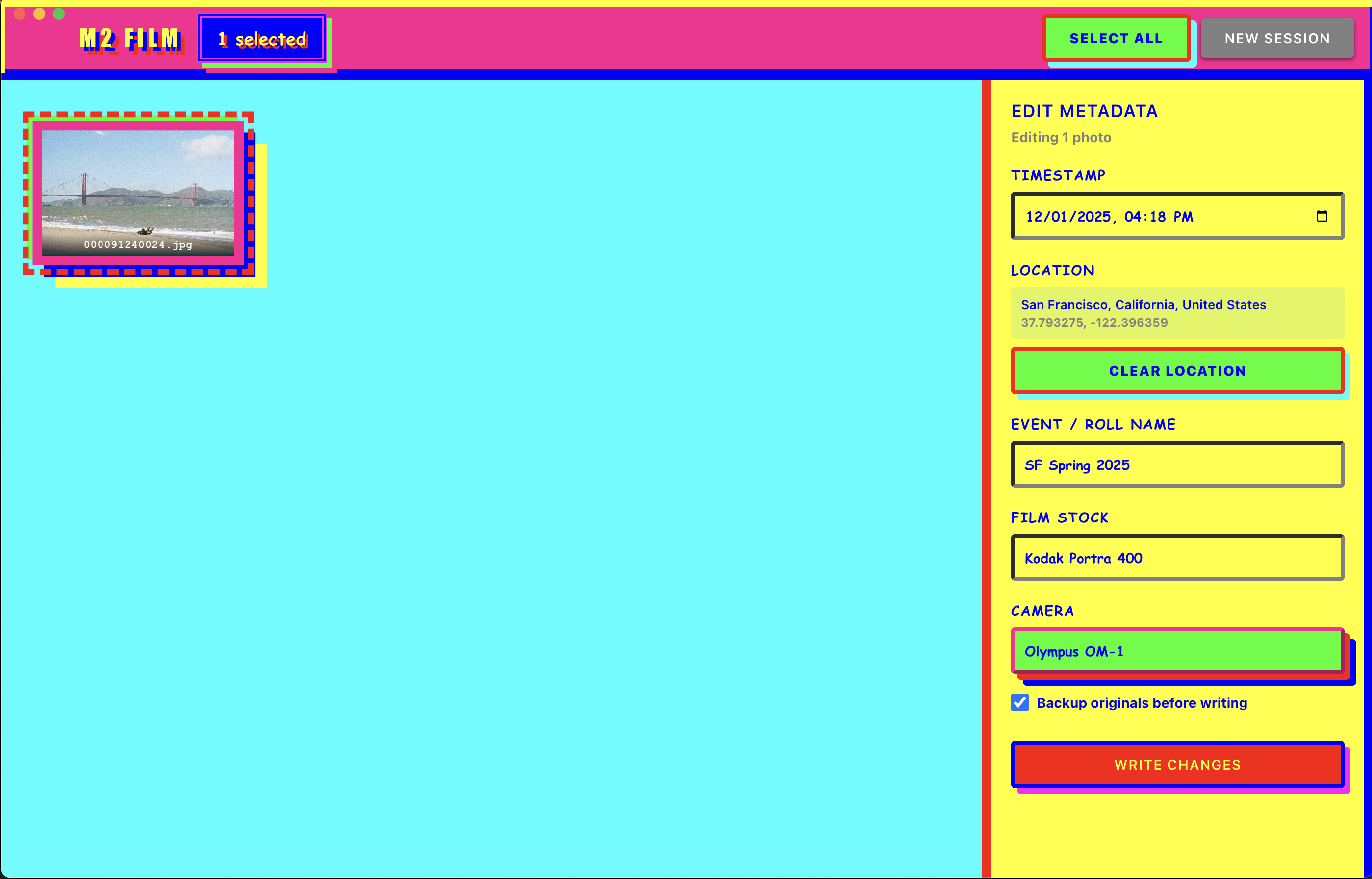
- Click write changes and wait a few seconds while ExifTool does its thing
After that, your photos integrate properly with Apple Photos, Google Photos, or whatever you use for organization. They show up in chronological order on your timeline. Location-tagged photos appear on maps. You can search by film stock or camera to find specific rolls.
Backups are saved in a folder next to your photos. You can disable them if you want but I wouldn't recommend it until you're confident the app is doing what you expect.
Tech Stack
The app is Electron + React + TypeScript with ExifTool handling the actual metadata operations. I had some fun with the retro design and color scheme because it felt wrong to sanitize too much of the film photography process, and seeing something different is refreshing. It's completely open source on GitHub (for now) if you want to poke around or contribute.
Links
Download: m2-film-site.app
Source: github.com/eham1/m2-film-app
If you run into issues or have feature requests, open an issue on GitHub. I'm (not very) actively working on Windows support and performance improvements for the next version.